
Daikin D-Checker software
Machine-translated from Vietnamese. Read the original in Vietnamese
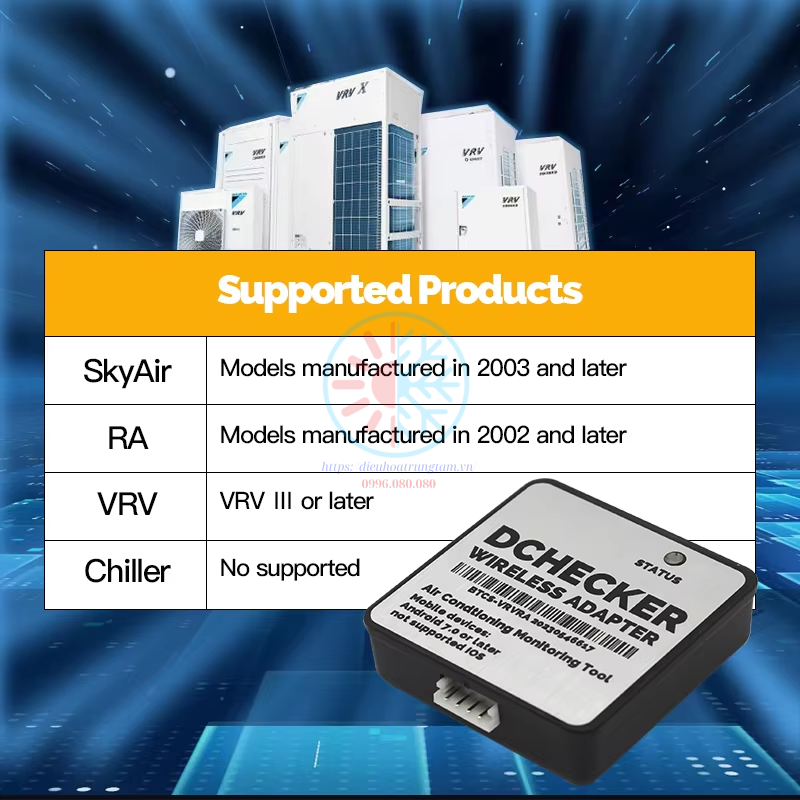
Daikin D-Checker Software: Powerful Diagnostic Tool for HVAC Technicians
Daikin D-Checker Software: An Efficient Diagnostic and Repair Tool for the HVAC Industry
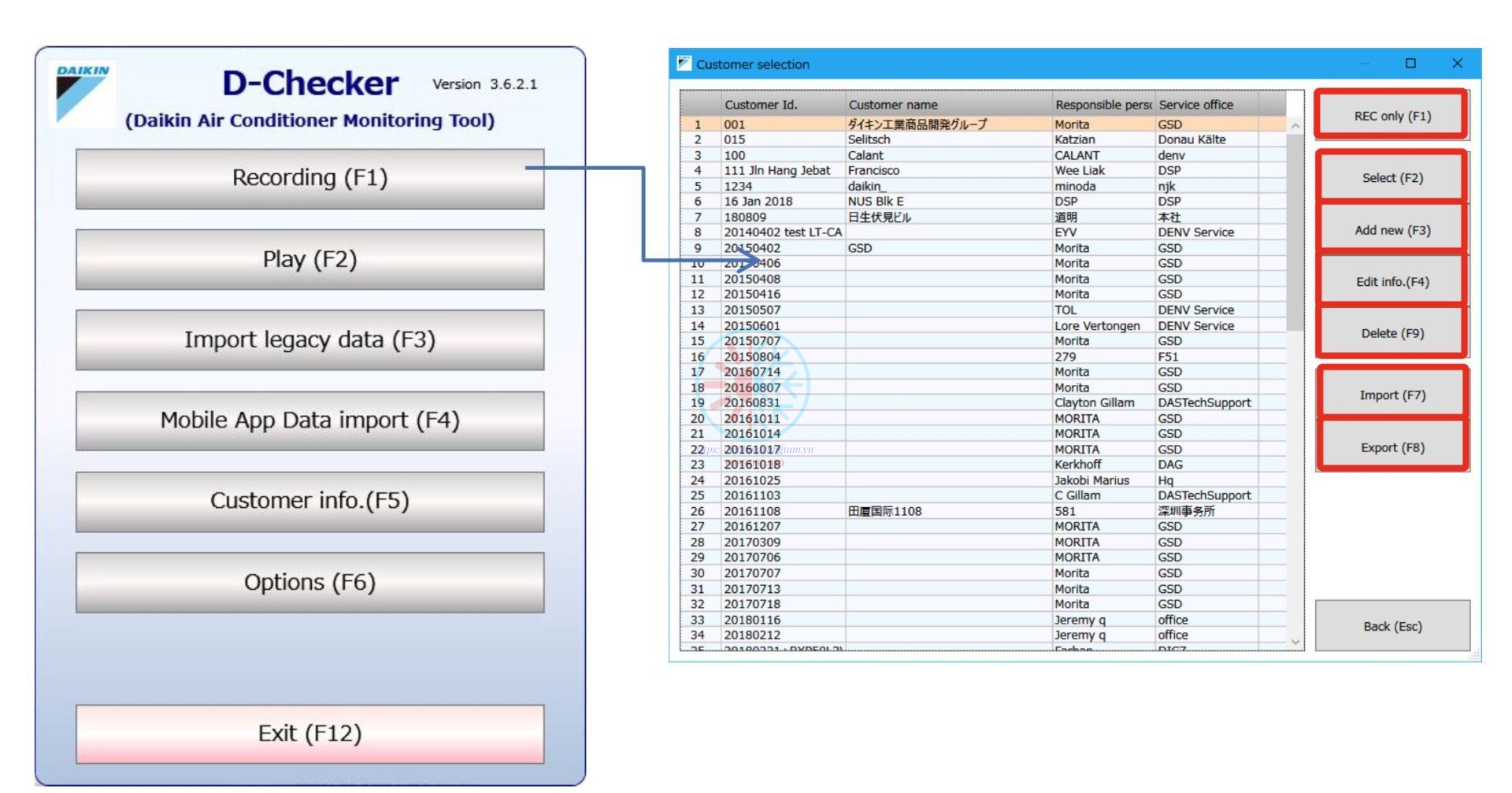
About Daikin D-Checker
Softwares Daikin D-Checker is a leading solution in the HVAC (Heating, Ventilation, and Air Conditioning) industry, developed to assist technicians in quickly and accurately diagnosing and repairing Daikin equipment. This tool helps to improve equipment performance, reduce maintenance time and improve service quality, is an indispensable choice in the process of operation and servicing HVAC systems.
1. Daikin D-Checker Software Features
Softwares Daikin D-Checker provides many useful features for HVAC technicians during inspection and repair:
-
Diverse connections to Daikin equipment: The software is capable of connecting to the device via protocols such as USB, Bluetooth, or Wi-Fi, making the diagnostic process easy and convenient.
-
Collect detailed diagnostic data: D-Checker collects information about important parameters of the device such as temperature, pressure, current, which helps to quickly determine the running status of the device.
-
Identify the cause of the problem: With the ability to analyze diagnostic data, the software can accurately identify the cause of the problem, helping technicians to make quick repair plans.
-
Support efficient repair: After identifying the cause, the software guides technicians to take necessary repair measures correctly, minimizing downtime of the equipment.
2. Daikin D-Checker Software Instructions
For software usage Daikin D-Checker, HVAC technician need to do the following steps:
-
Connecting Daikin equipment: Use USB, Bluetooth or Wi-Fi cable to connect the device to the software on the computer.
-
Launch the software: Open Daikin D-Checker on your computer after successfully connecting to the device.
-
Select the device to be diagnosed: Select the Daikin equipment to be tested from the list of supporting equipment in the software interface.
-
View Diagnostic Data: The software will display the diagnostic parameters, helping technicians monitor the current condition of the equipment.
-
Diagnostic based repair: Based on the collected information, technician can offer appropriate repair measures to troubleshoot the problem.
3. Benefits of Using Daikin D-Checker Software
The use of software Daikin D-Checker brings many significant benefits:
-
Save time and money: Software reduces the time of diagnosis and repair, helping the equipment to return to normal operation soon.
-
High Precision Level: With detailed diagnostic data, technicians can identify the cause of the problem accurately, avoiding errors during repair.
-
Optimize equipment performance: D-Checker helps ensure that Daikin equipment operates stably, saving energy and reducing operational costs.
-
Improve service quality: The use of professional tools helps technicians provide better service, make a good impression on customers.
4. Documentation and Technical Support
Technicians can refer to the detailed user manual of Daikin D-Checker or contact a Daikin technical representative for in-depth support. This software is regularly updated to provide the latest features and ensure the highest diagnostic efficiency.
Download Daikin D-Checker [ON HERE].
Daikin D-Checker Software Conclusion
Softwares Daikin D-Checker is an indispensable tool in the HVAC industry, helping technicians diagnose and repair Daikin equipment accurately and efficiently. Using this software not only helps optimize device performance, but also improves service quality, saving time and costs for users. The application of Daikin D-Checker in maintenance and repair processes will bring many benefits to technicians and businesses operating in the HVAC field.
Source: Publisher’s English edition · Vietnamese original on doanvanhoang.com